How to Print and Stick Your Klaxie QR Code on Your Car
The real friction between "I created my QR" and "my QR is on my car" is printing. Not because it's complicated — but because it's not obvious what to do with the file you just exported.
This guide fixes that once and for all: 10 minutes, a regular printer, and your QR is in place.
What you need
- A printer (black & white is fine — QR codes are readable even in grey)
- Regular A4 paper, or A4 sticker paper if you want to skip a step
- Wide transparent tape (like Scotch® Crystal or similar), or a cold lamination kit
- Double-sided tape or repositionable glue
That's it. No laminator, no special paper, no online order.
Step 1 — Export the right format from the app
In the Studio screen for your vehicle, tap Export and choose based on your situation:
- A4 sheet — 4 stickers: ideal if you want to print once and have spares. You cut out 4 identical QRs from an A4 sheet. Recommended for first-timers.
- A6 card: a single large-format QR with your plate and message — perfect for something neat to stick on the rear window.
- Business card format: more discreet, 85 × 54 mm. Handy to slip behind a plate cover or into a badge holder.
Tip: for a first installation, start with the A4 sheet. You'll have duplicates in case of cutting mistakes, and the format is easier to handle.
Step 2 — Print
Launch printing from the app (the "Print preview" button) or open the PDF on your computer.
Recommended settings:
- Paper size: A4
- Orientation: Portrait
- Quality: Standard (300 dpi is more than enough for a QR code)
- Colour: Black & white is fine — the QR stays readable at 100%
- Margins: None or minimal
If your printer is a bit old or the ink is running low, do a scan test before cutting: open your phone camera and check that the QR scans correctly. If yes, carry on.
Step 3 — Cut out and protect
Cut out the QR(s) along the dotted lines (A4 sheet) or the frame edges (A6 card).
Option A — Wide tape (5 minutes, free): Cover the QR entirely with transparent tape. Overlap two strips if needed to cover the whole surface. Smooth out any bubbles. The result is waterproof and holds for several months.
Option B — Cold lamination (10 minutes, ~€3): Cold lamination pouches (available at supermarkets or on Amazon, A4 or A6 format) work without a laminator — you peel them like a sticker and press down. More professional result, lifespan of 1 to 2 years.
Option C — Sticker paper: If you printed directly onto A4 sticker paper (HP, Avery, Apli…), skip to the next step. Covering it with tape is still a good idea for durability.
Step 4 — Stick it on the car
Where to stick it?
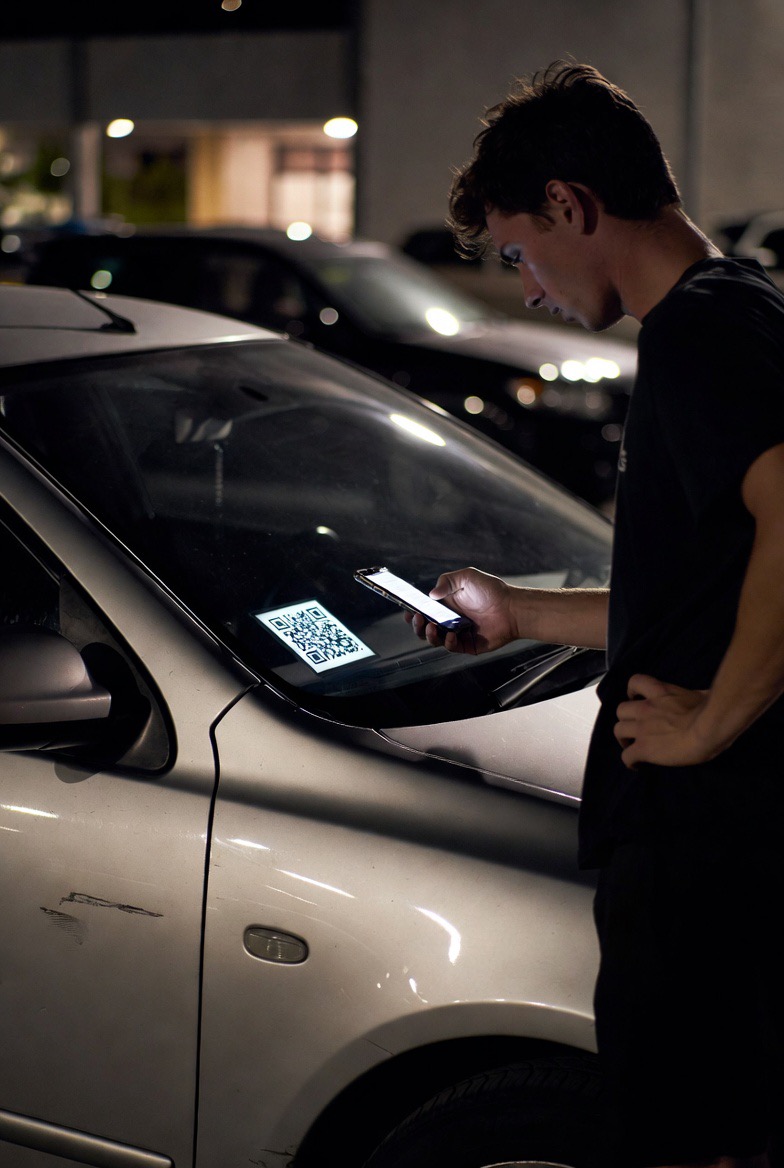
- Rear window (inside): the number one spot. The glass protects the QR from the weather, light passes through well for scanning, and it's visible from the pavement. Stick it on the inside so it won't peel off.
- Dashboard, facing the windscreen: visible from outside if the car is well lit. Less exposed to direct sunlight than the rear window.
- Behind the number plate surround (sides): discreet but accessible. Useful if you don't want to change the external look of the vehicle.
How to stick it:
Use double-sided tape (Tesa, 3M…) on all 4 corners of the QR. Avoid repositionable glue alone — it doesn't hold well in cold weather. Press for 30 seconds on each corner.
For glass, clean first with a dry microfibre cloth. Double-sided tape doesn't stick well to greasy or damp glass.
Check it works
Once it's stuck, do the final test: at 50 cm from the glass, on the outside, open your phone camera and point it at the QR. It should trigger within 2 seconds.
If scanning fails:
- Check there are no bubbles or reflections masking part of the QR
- Try in different lighting (direct sunlight = difficult, diffuse light = ideal)
- If the print is too light, reprint with higher ink density in your printer settings
What next?
Your QR is in place. From now on, anyone who spots a problem with your car can reach you in seconds, without having your number. You get a notification, you reply if you want, and everything stays anonymous.
If you have several cars, repeat the process for each one — Klaxie lets you manage as many vehicles as you like.
Don't have your Klaxie QR yet? Join the waitlist to be notified at launch.
Read next: QR code on windshield: is it legal? · Sticking a decal without damaging paint